Make every photo
post-ready.
Remove backgrounds, make profile pictures, blur faces and resize photos for any platform. It is free and works in your browser.
No photo? Try a sample,
or drop a photo anywhere on this page.
It is free, with no sign-up and no watermark. Your photos never leave your device, and it also works offline.
The right size for every platform you post on.
8 platforms, 26 official sizes, kept up to date.
Edits that take seconds
Remove backgrounds, hide faces, resize and make profile pictures. Each edit takes seconds and happens on your device.
One photo, many looks
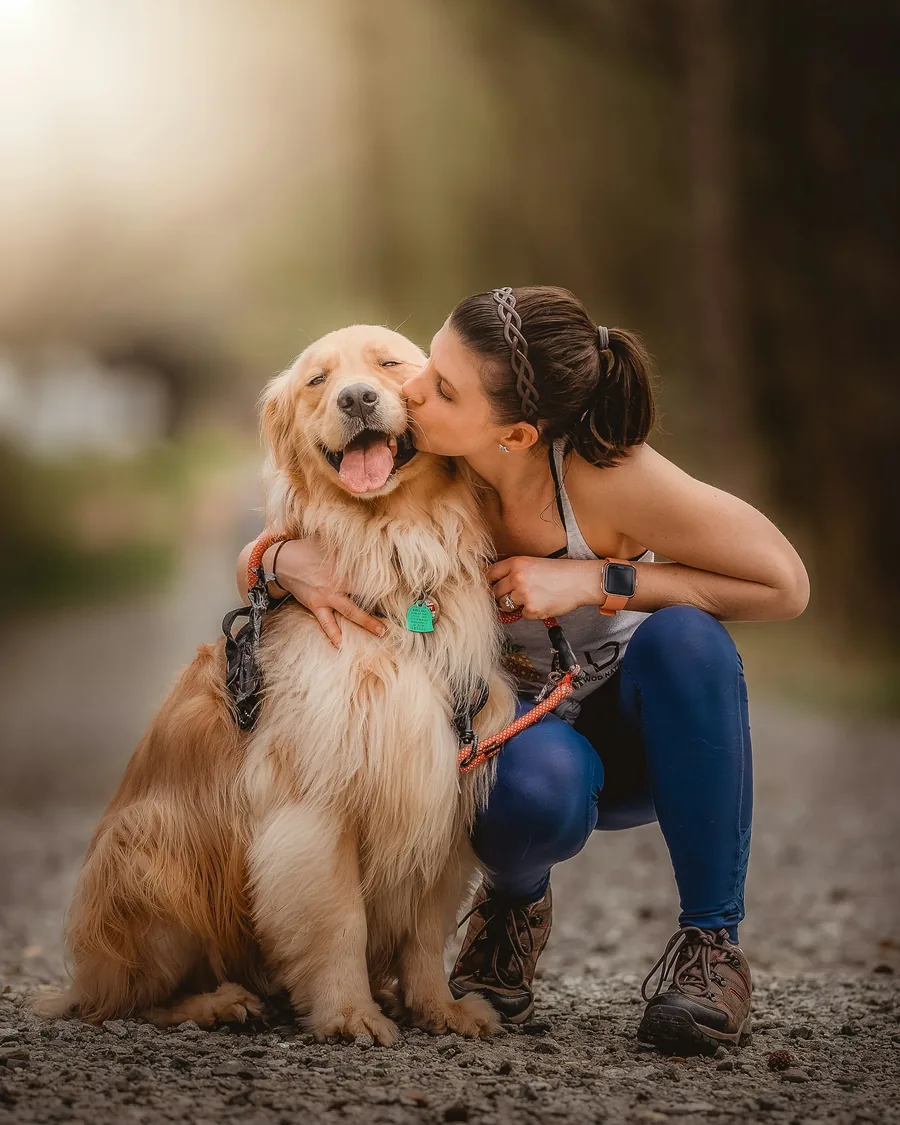
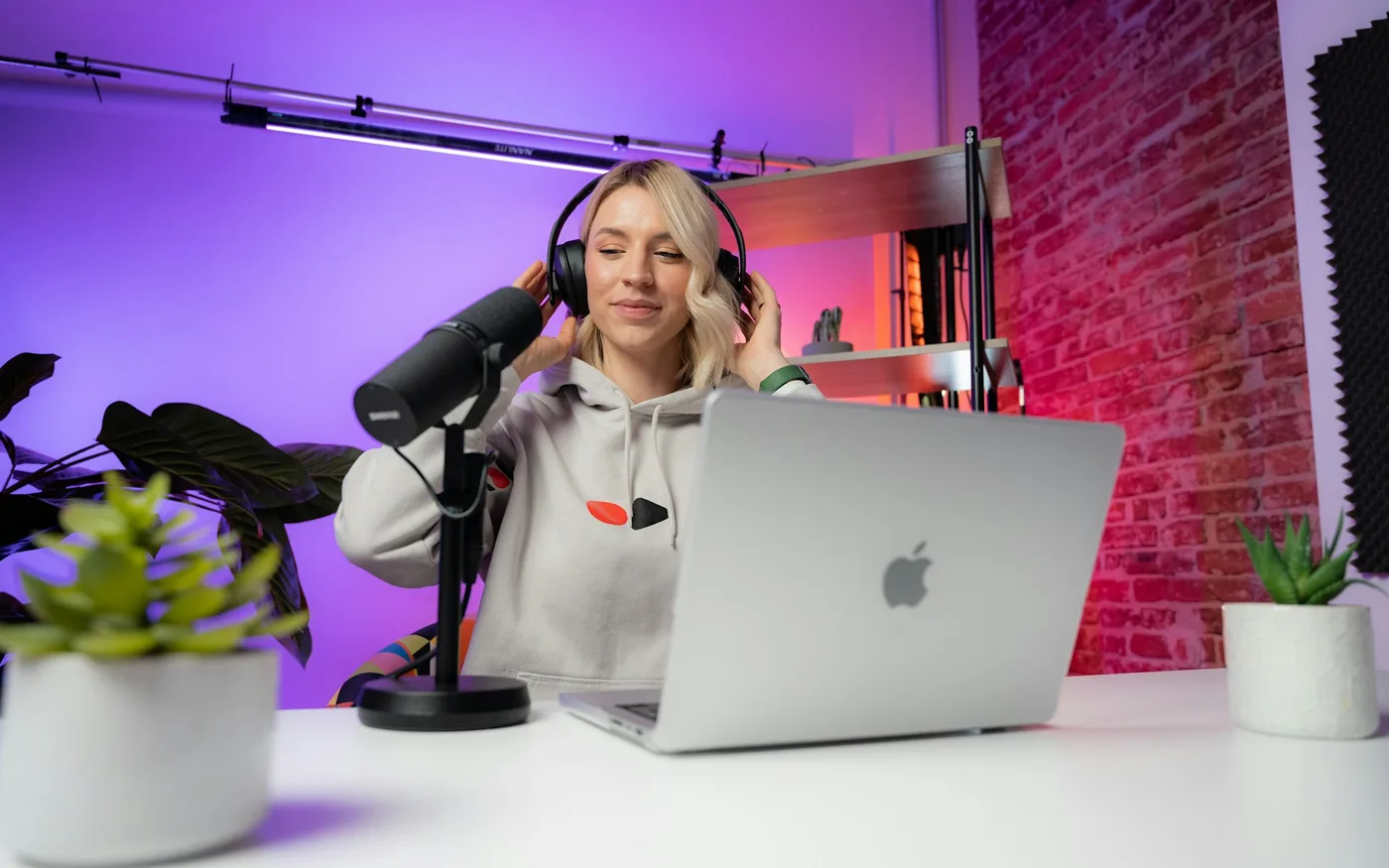
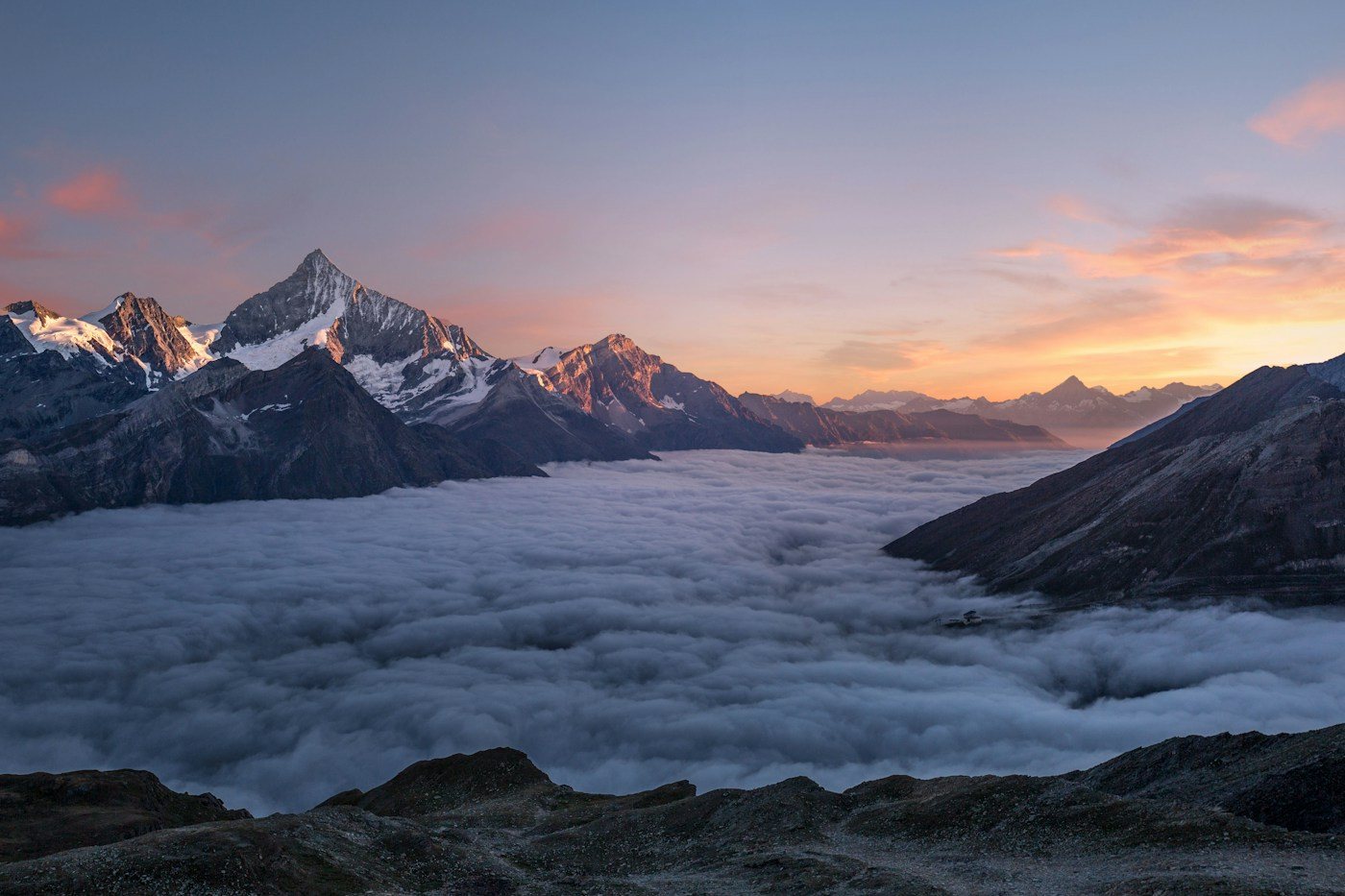
Drag the slider to compare. Every result here was made with Social9.
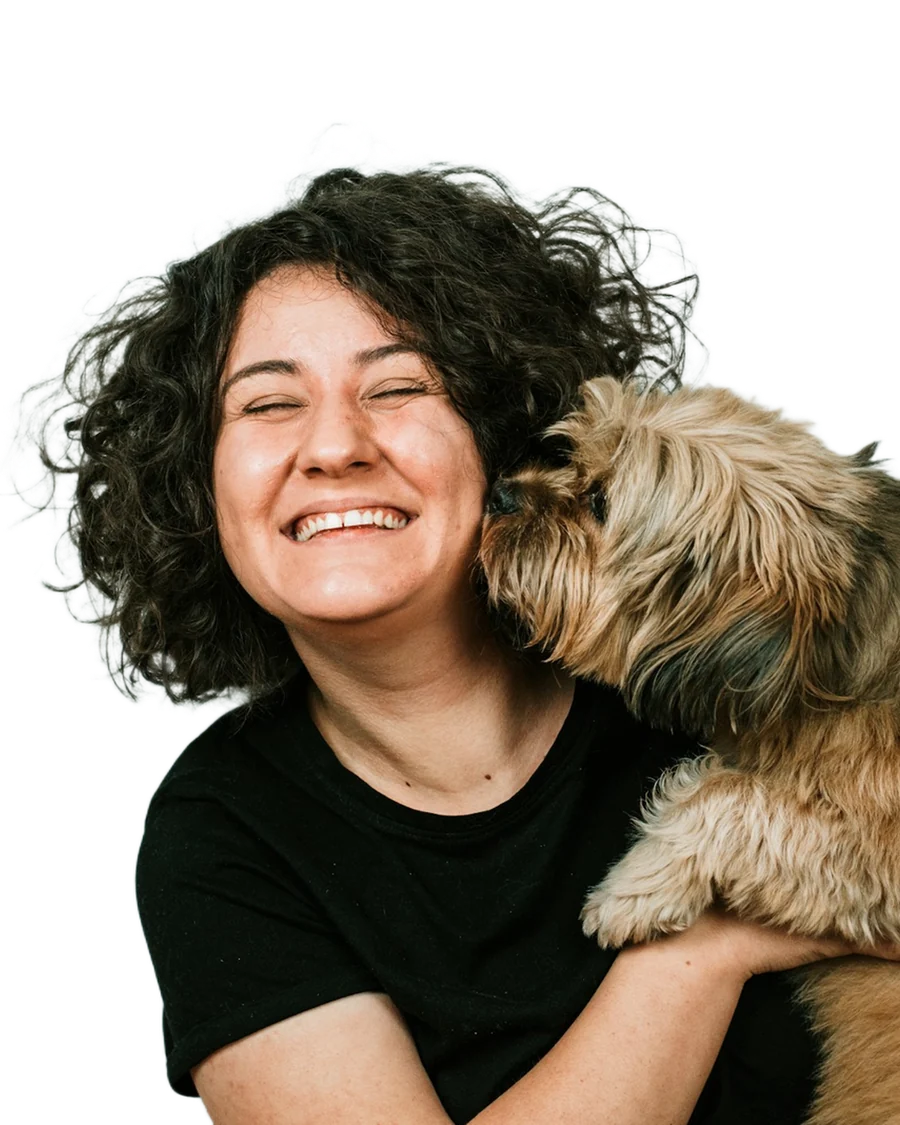
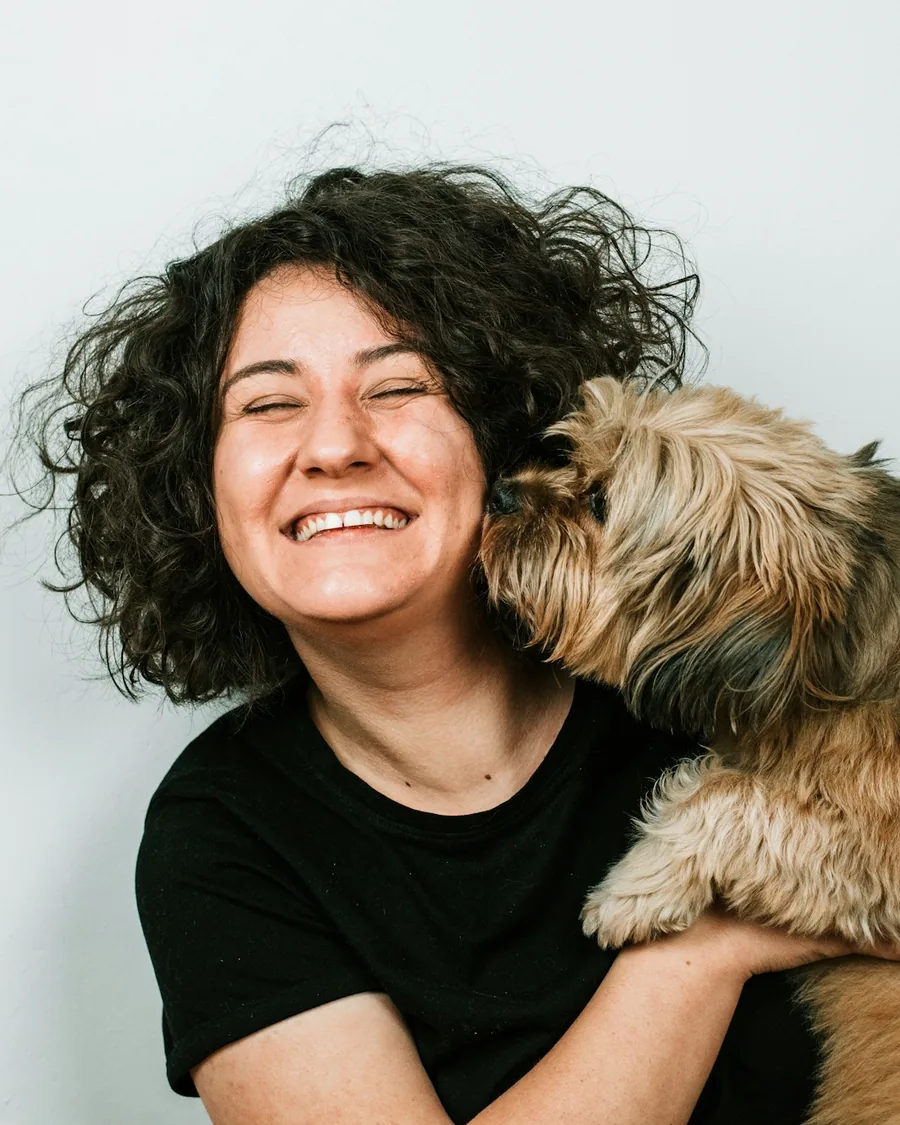
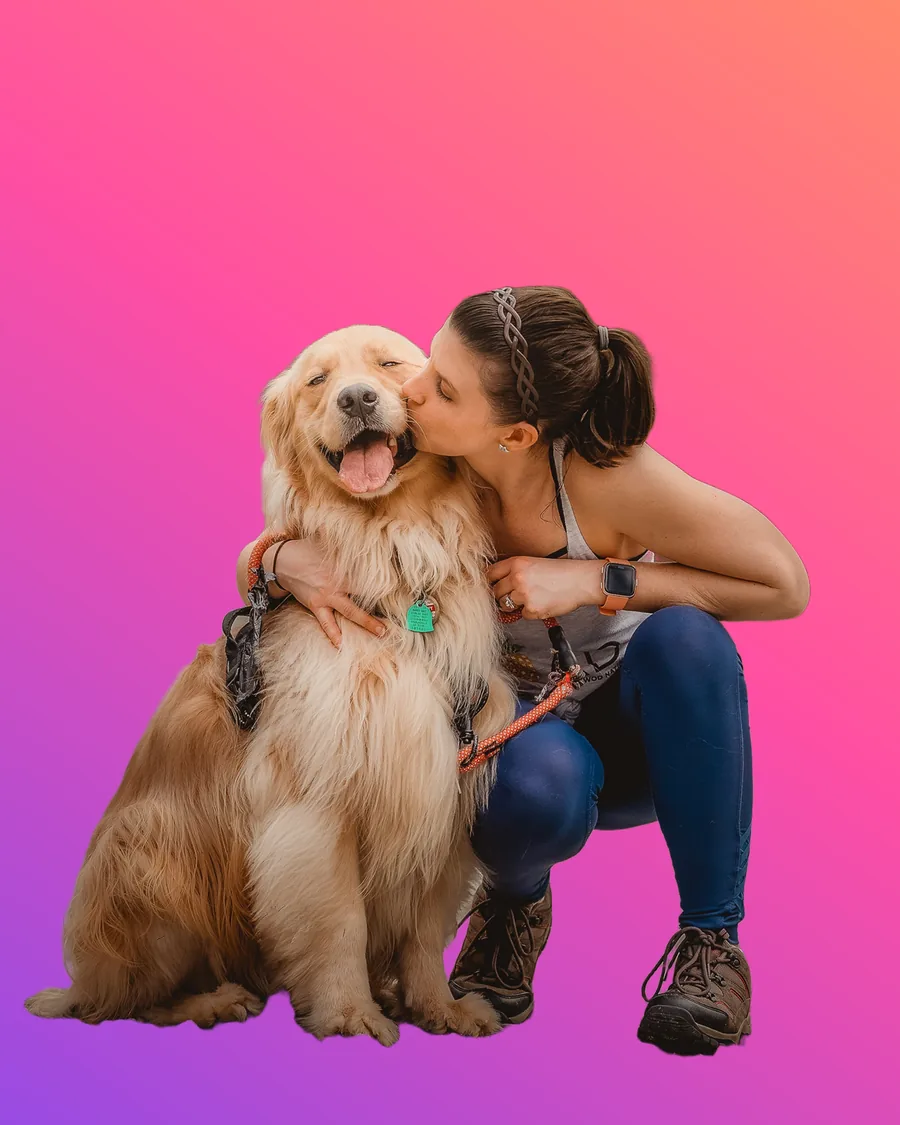
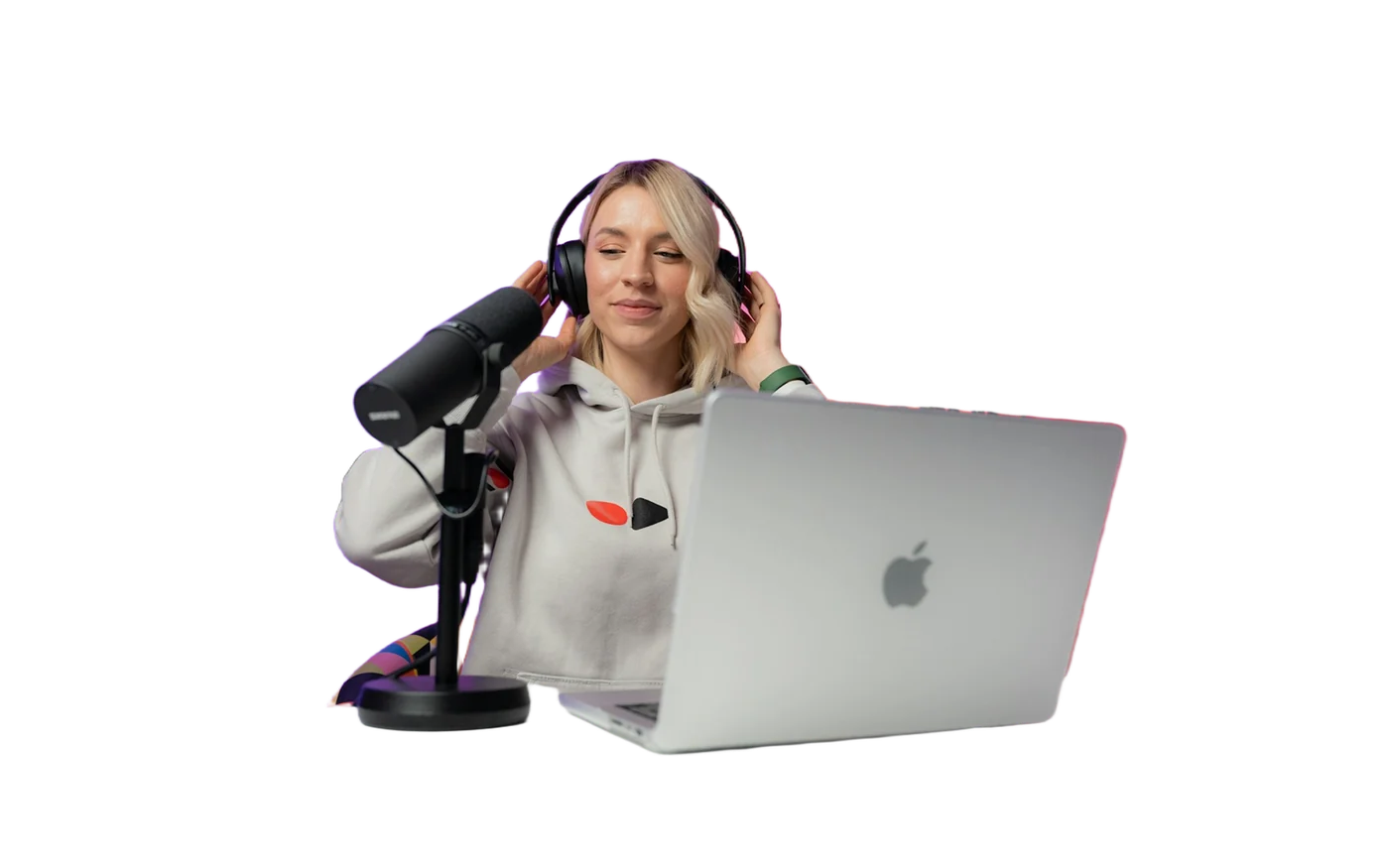
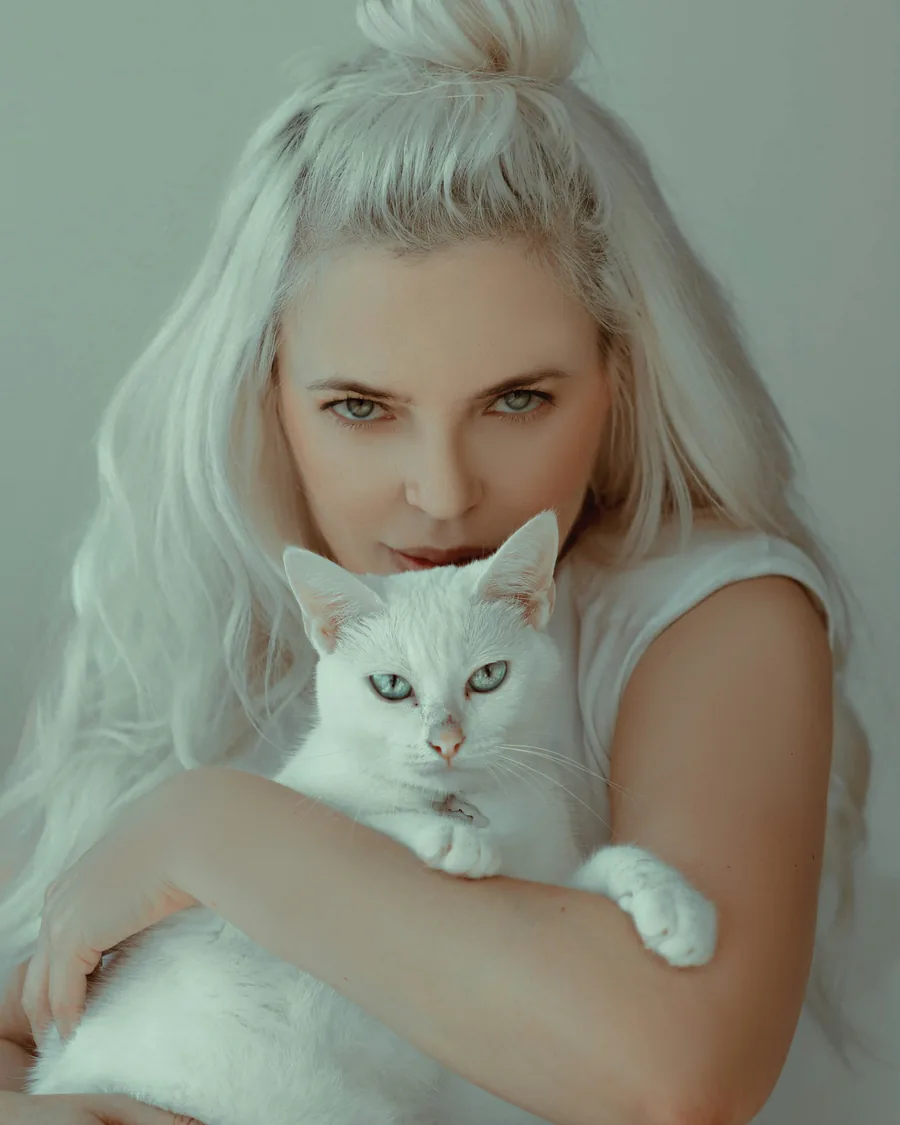
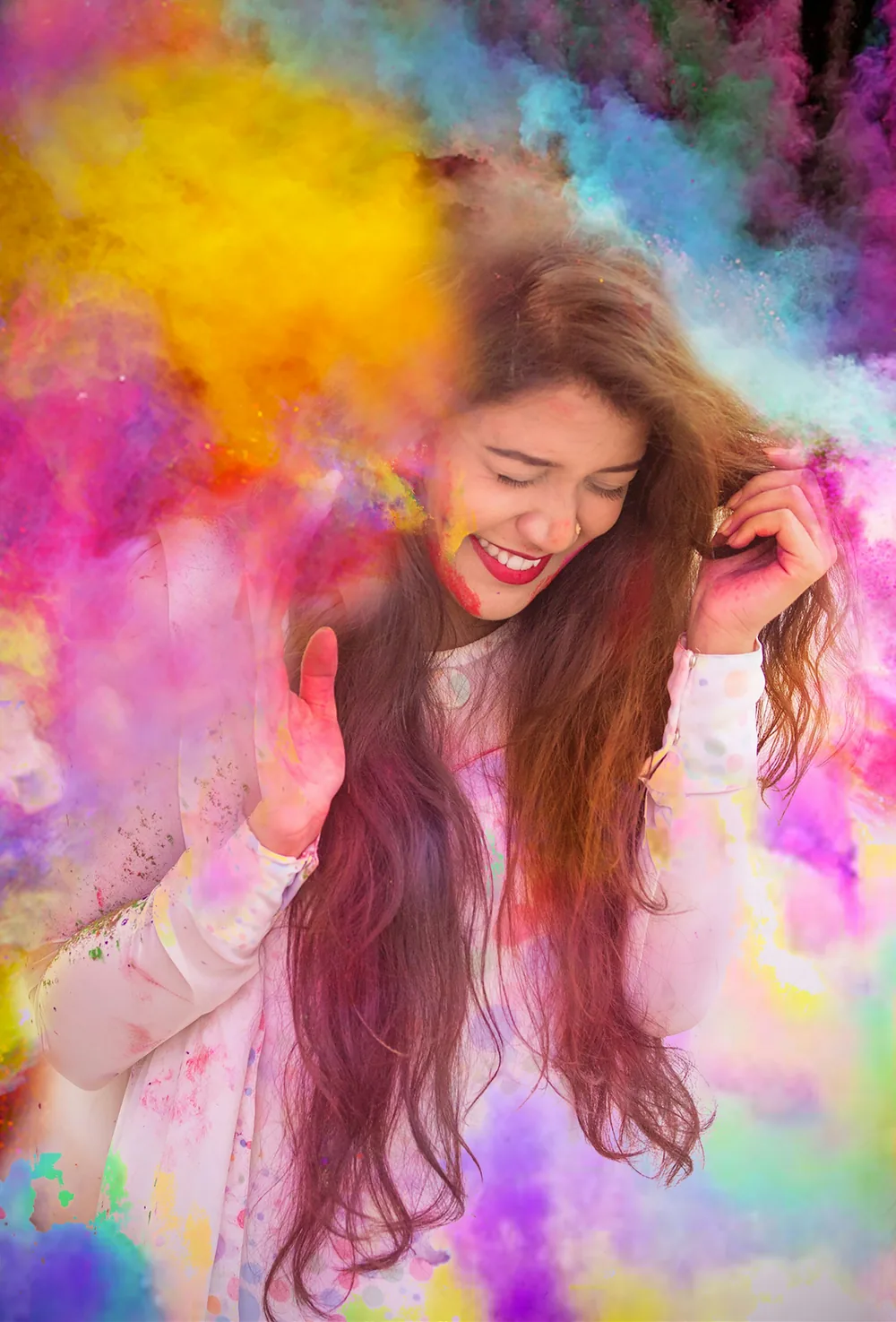
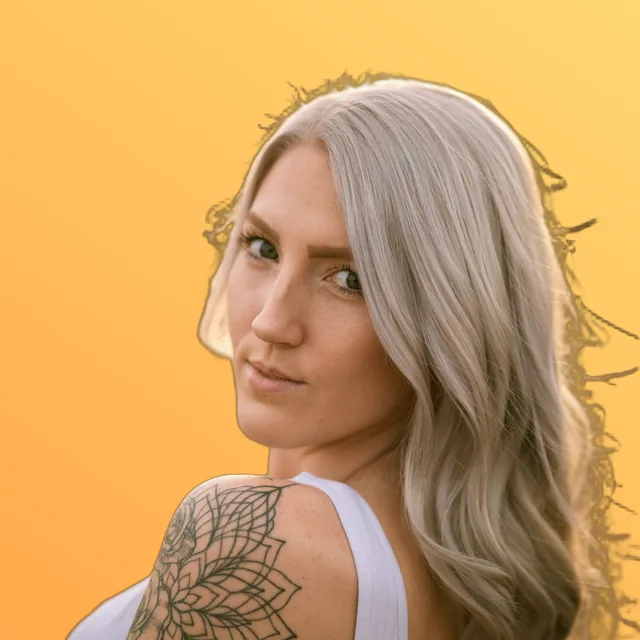
Remove the background from any photo
Get a transparent PNG in a few seconds. It handles hair and soft edges, and everything happens on your device.
- Clean edges. Loose strands of hair and soft edges are kept, so the cut-out looks natural.
- People, pets and products. Social9 picks the right AI model for each photo. Portraits get finer hair, and products and pets get clean outlines. Turn on HD for even more detail.
- Ready to use. Save it as a transparent PNG, or add a new background straight away.
Photos for every occasion
Festivals, pets, graduations and job applications. Pick an occasion to get started.
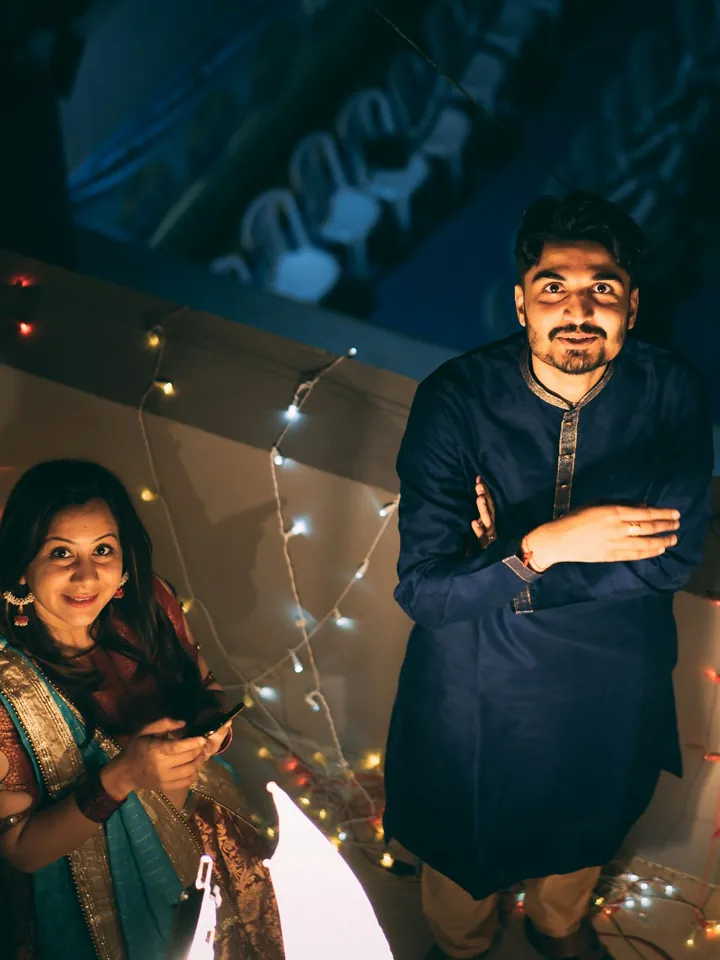
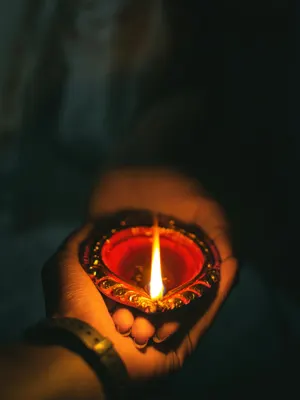
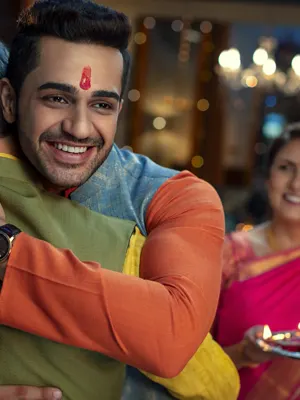
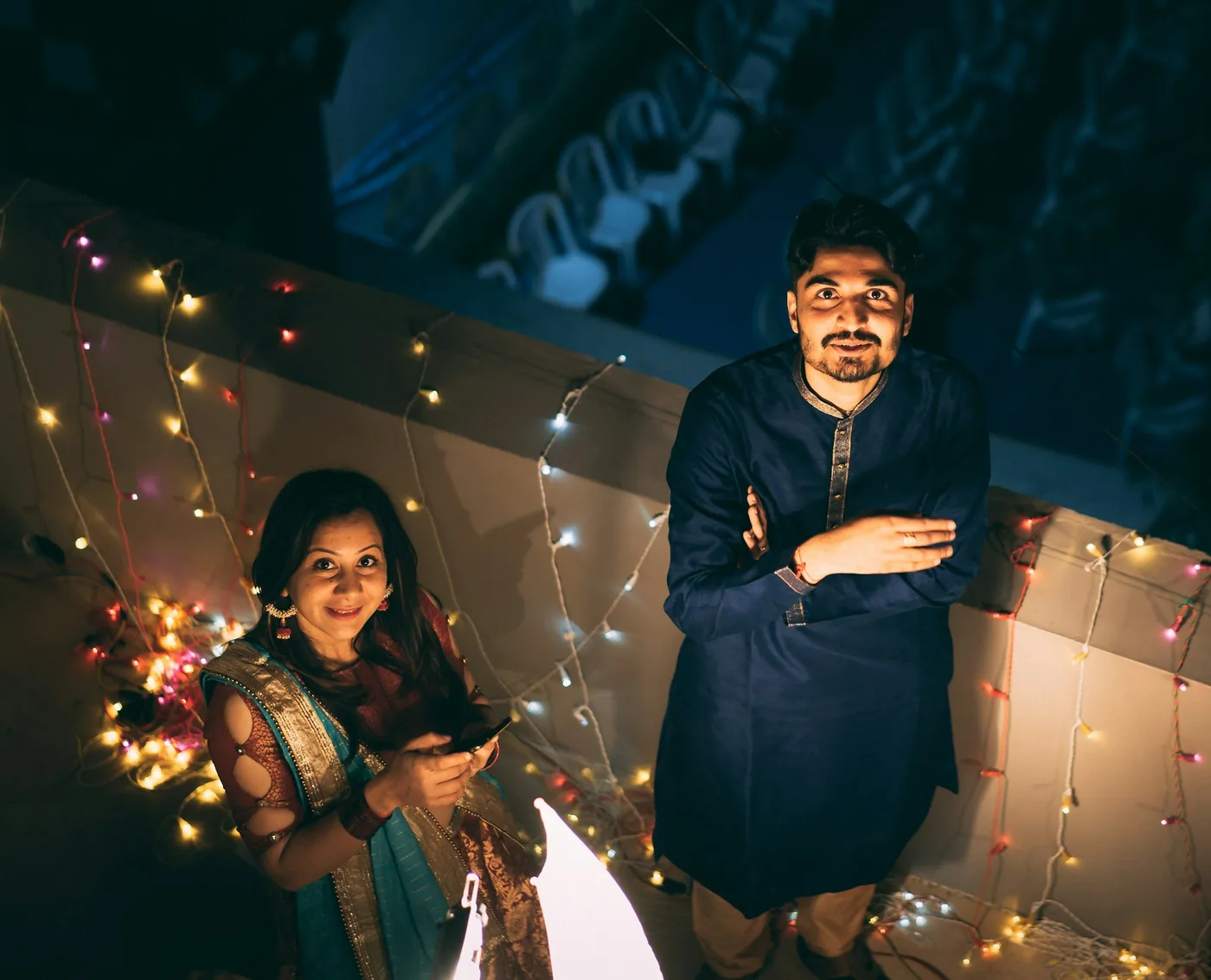
Diwali
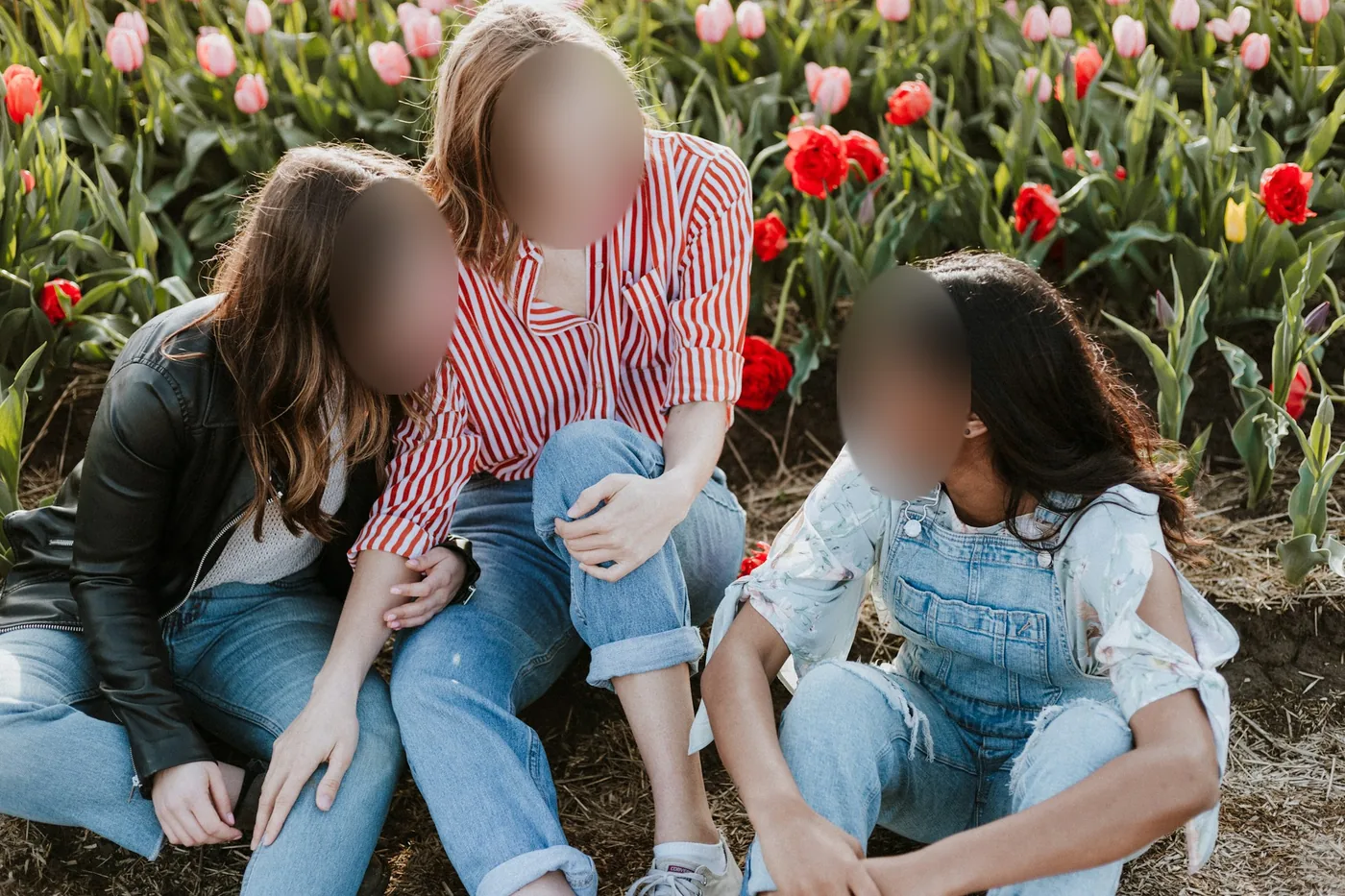
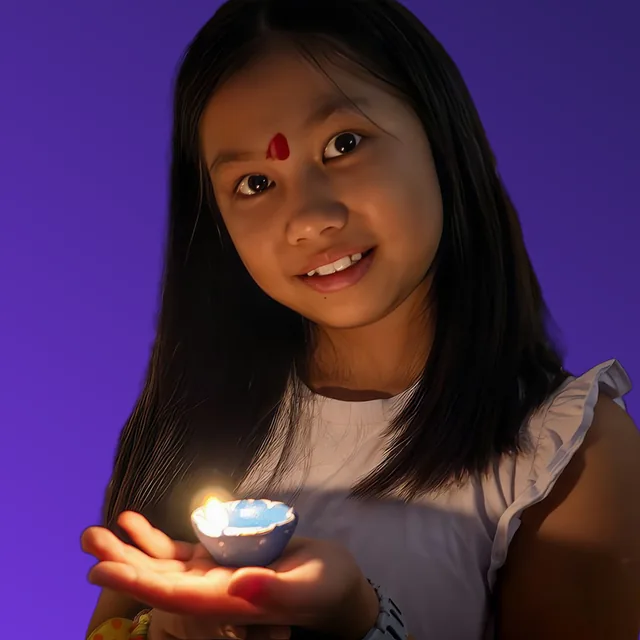
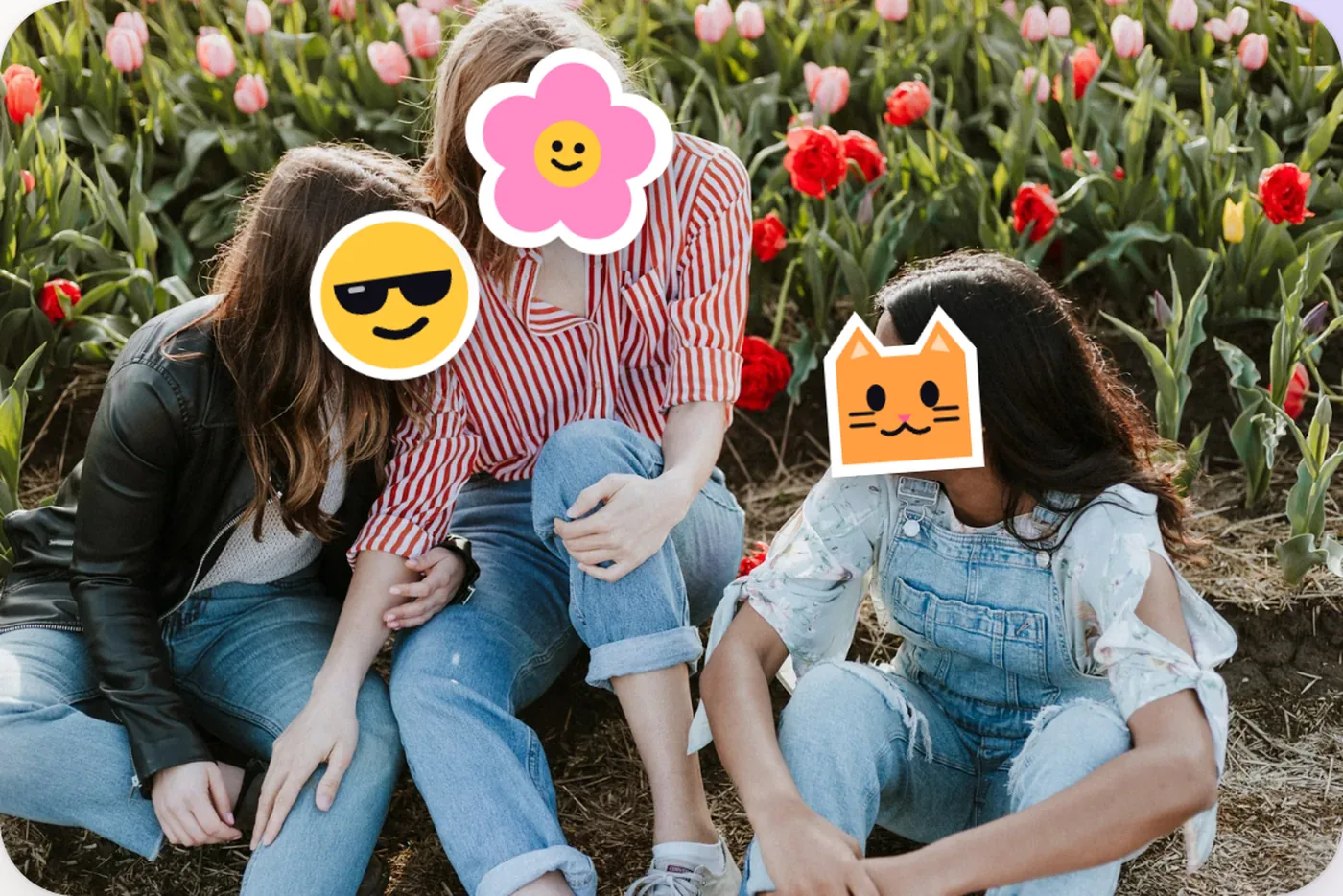
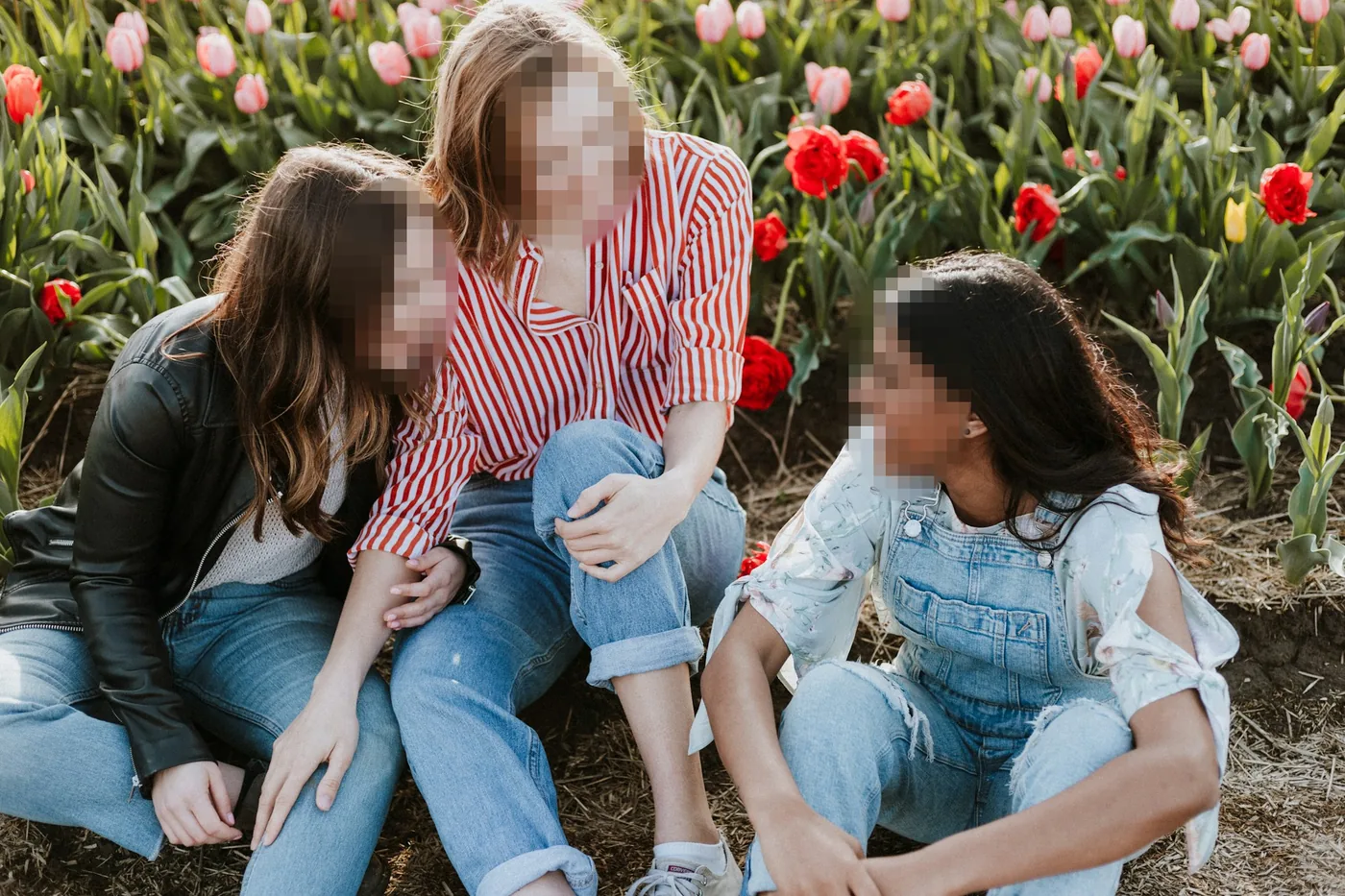
Hide the people who didn't want to be in the photo.
- Face stickers
- Story 9:16
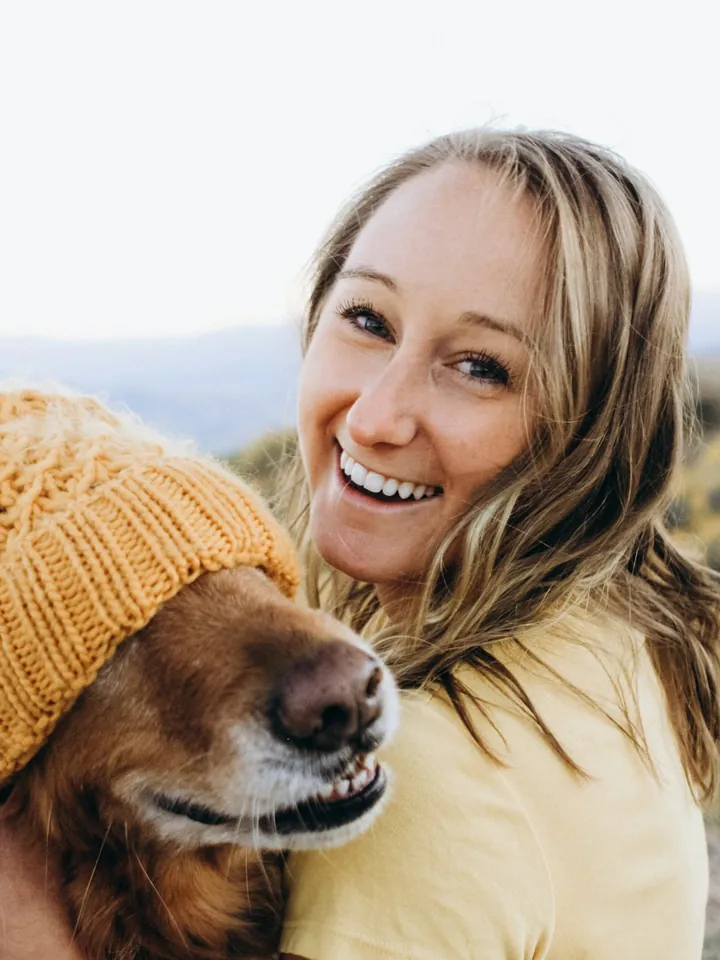
Pets
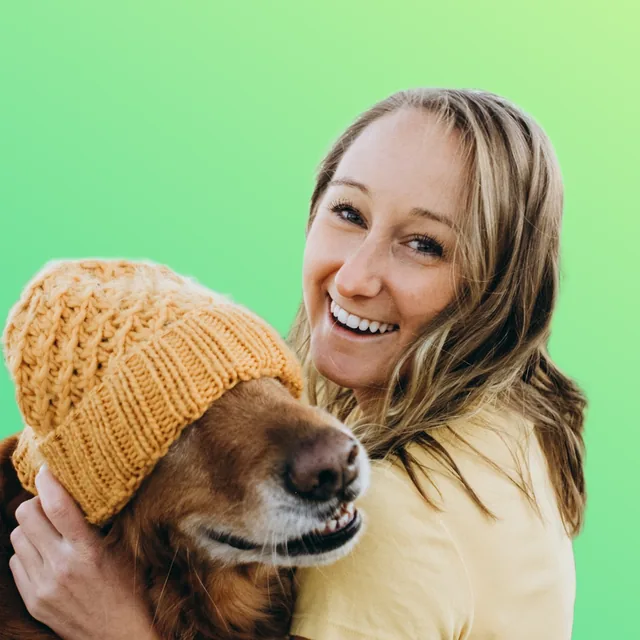
Cut out you and your dog, then add a new background.
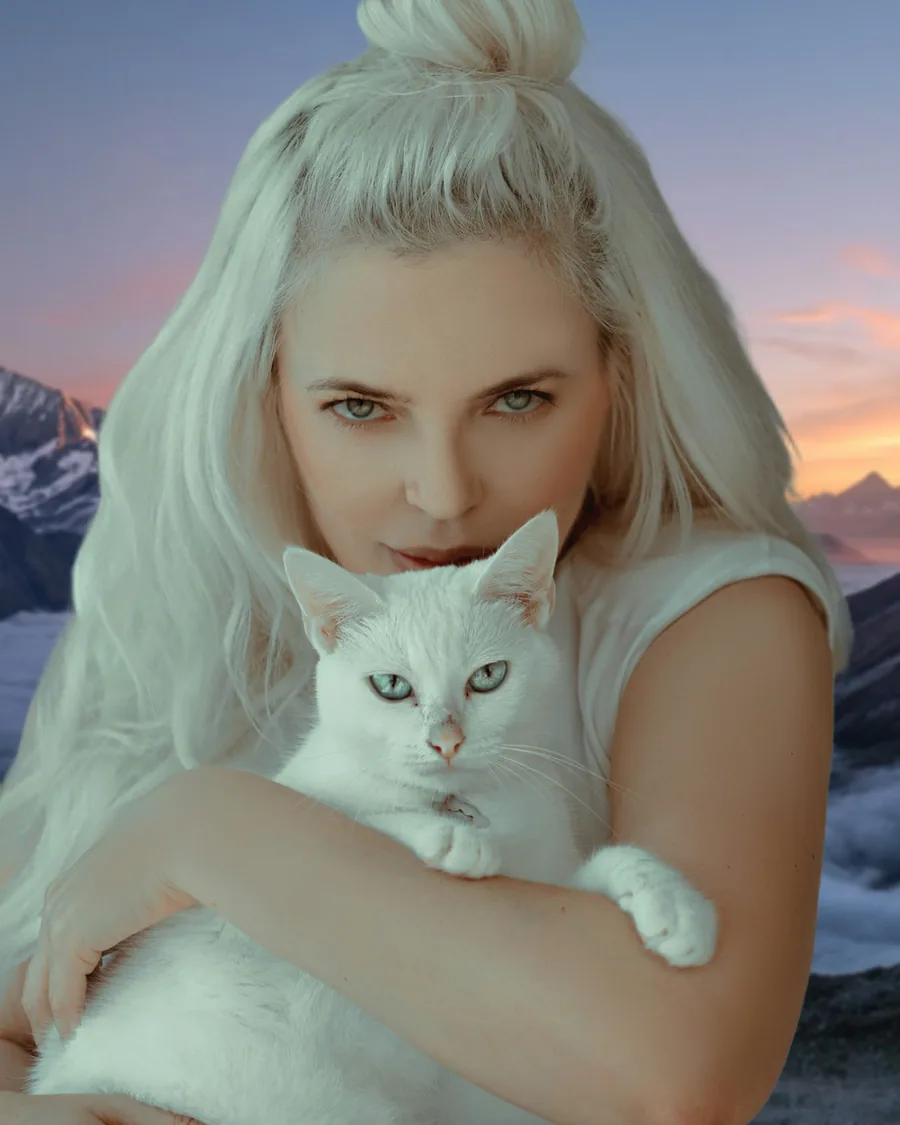
- Remove background
- New background

Graduation
Resize your graduation photo for every platform.
- Resize
- Compress
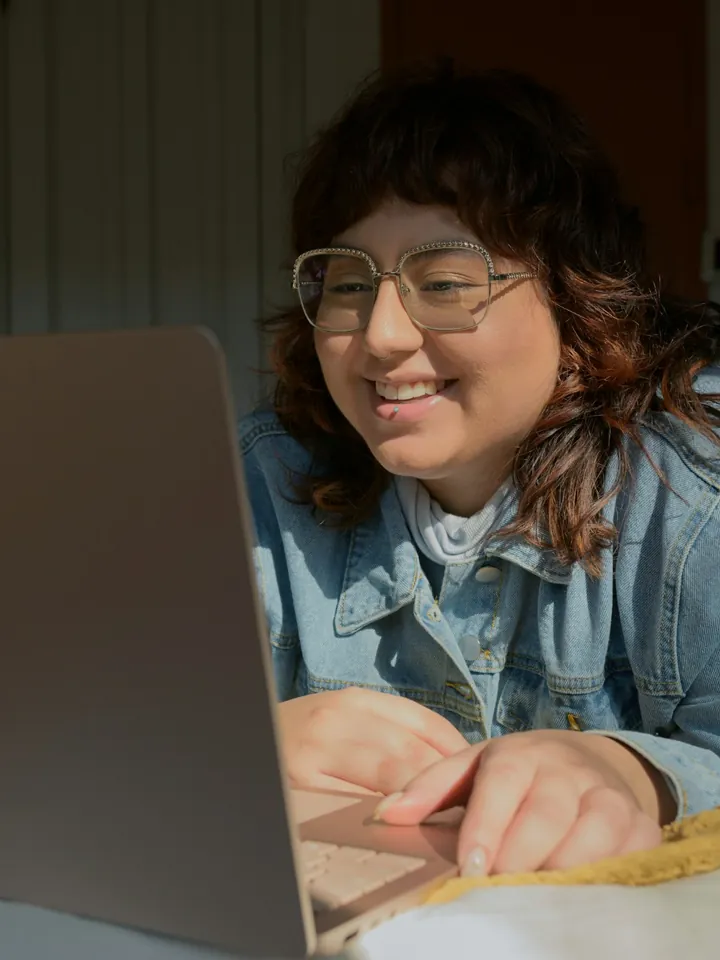
Job search
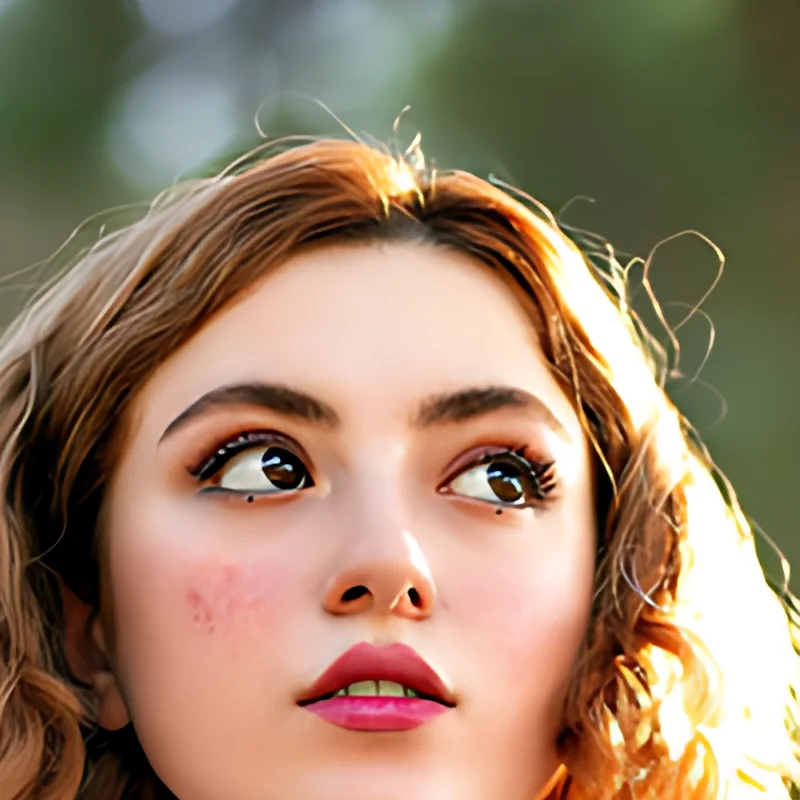
Make a professional profile picture for LinkedIn.
- Profile picture
- Blur background
From your camera roll to your feed in three steps.
- 0free tools
- 0platforms
- 0exact sizes
- 0photos uploaded
 1
1Add a photo
Use any photo from your phone or computer, including iPhone HEIC photos.
 2
2Edit it
Change the background, make a profile picture, hide faces and pick the right size.
 3
3Post it
Save it at the right size, or share it straight to your apps.
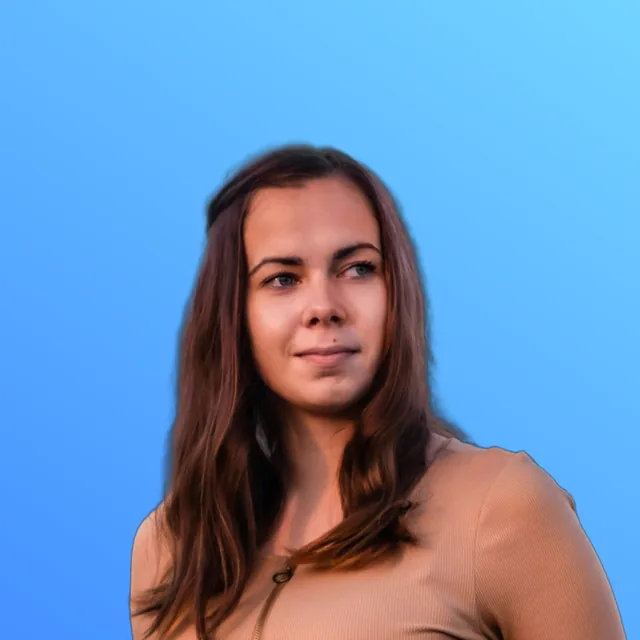
One profile picture for every platform
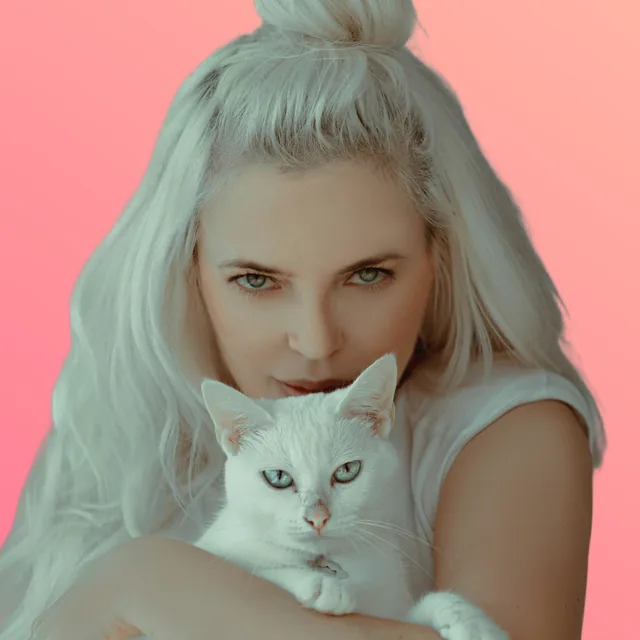
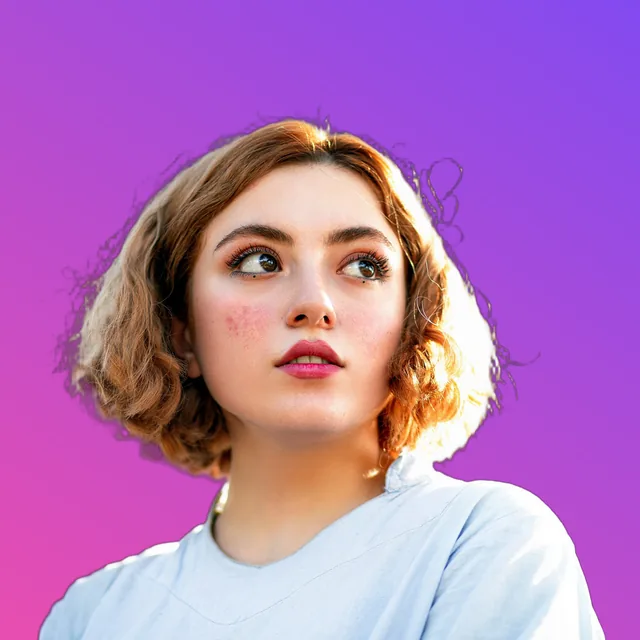
Remove the background, add a gradient, center your face and add a ring. Each picture is sized correctly for its platform.
- LinkedIn400 × 400
- Instagram320 × 320
- X400 × 400
- WhatsApp500 × 500

Social9 now
New profile photo set. Looking sharp!
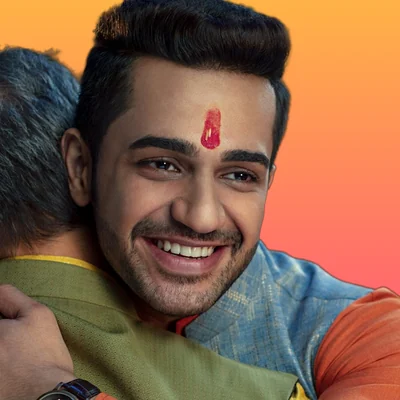
Aarav Sharma
Photographer
Delhi · festivals, food & my dog Bruno
social9.s4meer.com
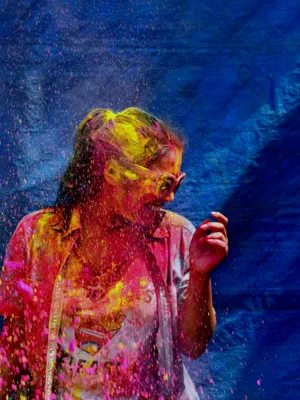
 Diwali
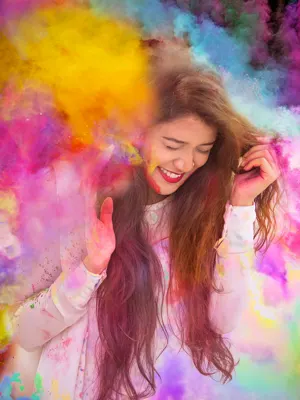
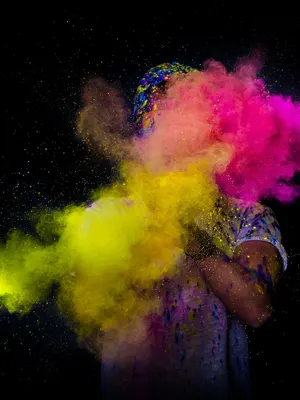
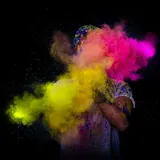 Holi
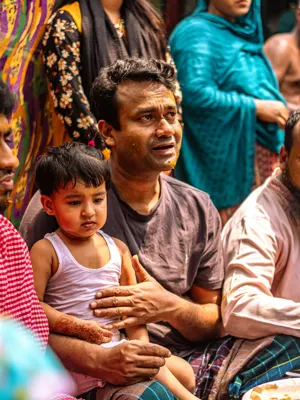
Holi Goa
Goa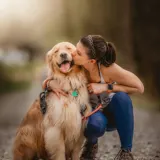 Bruno
Bruno College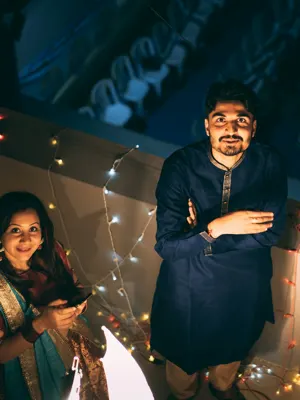






Your photos stay yours.
Most photo websites upload your pictures to their servers. Social9 doesn't. Your photos stay on your device, so no one else sees them, including us.
- No uploads.
- Your photos are edited on your own phone or computer. They are never sent to us or anyone else.
- No account.
- There is nothing to sign up for, so we hold no personal details that could leak.
- No hidden location.
- Photos often contain the place where they were taken. We remove it when you save.
- Nothing is kept.
- When you close the tab, your photos are gone. We never keep a copy.
Frequently asked questions
Answers to common questions about Social9.
Yes. Every tool is free. There is no sign-up, no credits and no watermark.
No. The AI runs in your browser, on your own device. Your photos are never sent to a server, and nothing is kept after you close the tab.
The first time you use an AI tool, such as background removal, your browser downloads it. It is then saved on your device, so next time it starts straight away and also works offline.
You can open JPG, PNG, WebP, AVIF and iPhone HEIC photos. You can save as JPG, PNG, WebP, PDF, AVIF, GIF, BMP, TIFF, ICO or SVG, and choose an exact file size in KB.
Yes. Social9 works in modern mobile browsers. After saving, you can share your photo straight to Instagram, WhatsApp and other apps.
Yes. On your phone, use Add to Home Screen. On a computer, use the install button in your browser's address bar.
Ready to edit your photo?
Add a photo and get it ready for any platform in under a minute. It is free and private, and you don't need to sign up.
- and 5 more