Blur faces in photos automatically
Posting a group photo? Social9 finds every face. Choose whose faces to hide, then blur, pixelate or cover them.
It is free and private. Nothing is uploaded, and it also works offline.
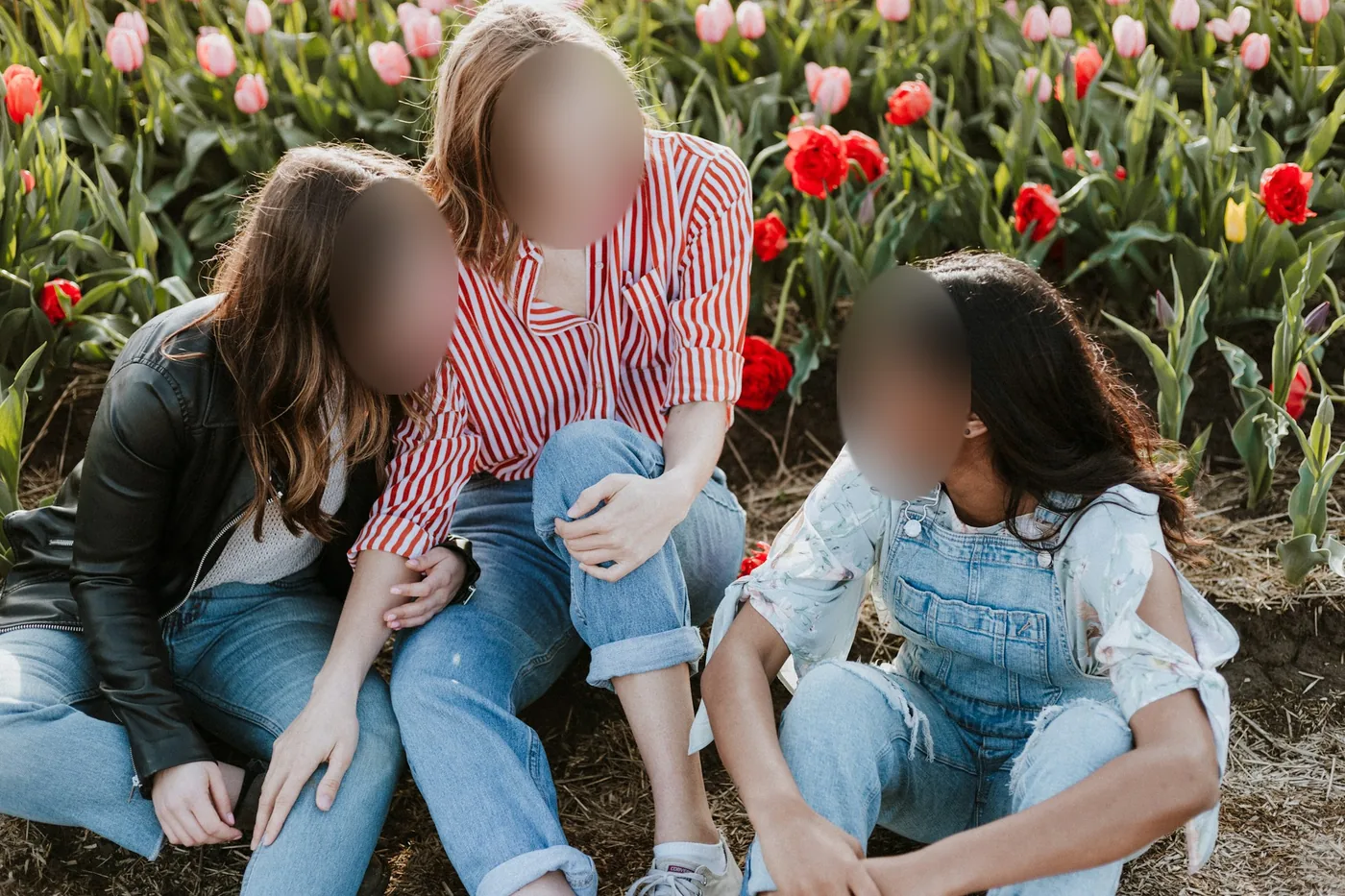 3 hidden · Tap a face to show or hide it
How to blur faces in 3 steps
- 01
Add your photo
Upload, drag in or paste a photo. iPhone HEIC photos work too.
- 02
Blur faces
Faces are found automatically. Tap any face you want to keep visible.
- 03
Save
Download it at the right size, or share it straight to your apps.
Why use Social9
Every edit is made on your device, at full quality, and you don't need an account.
Finds every face
It works on group photos and on small faces in the background.
You decide who is hidden
Tap a face to keep it visible. Every other face is hidden.
Choose a style
Blur, pixelate, 15 kinds of glasses or 49 stickers.
Frequently asked questions
Do you upload my photos?
No. Every tool runs in your browser, on your own device. Your photos are never sent to a server, and nothing is kept after you close the tab.
What if it misses a face?
Very small, blurry or turned-away faces can be missed. Tap Add a face the AI missed, then tap the face on your photo to cover it.
Do I need an account?
No. Open the tool and start editing. You don't need to sign up.