Remove objects from photos
Brush over a person, a sign or anything else you don't want in your photo, and it is removed. Everything happens on your device.
It is free and private. Nothing is uploaded, and it also works offline.
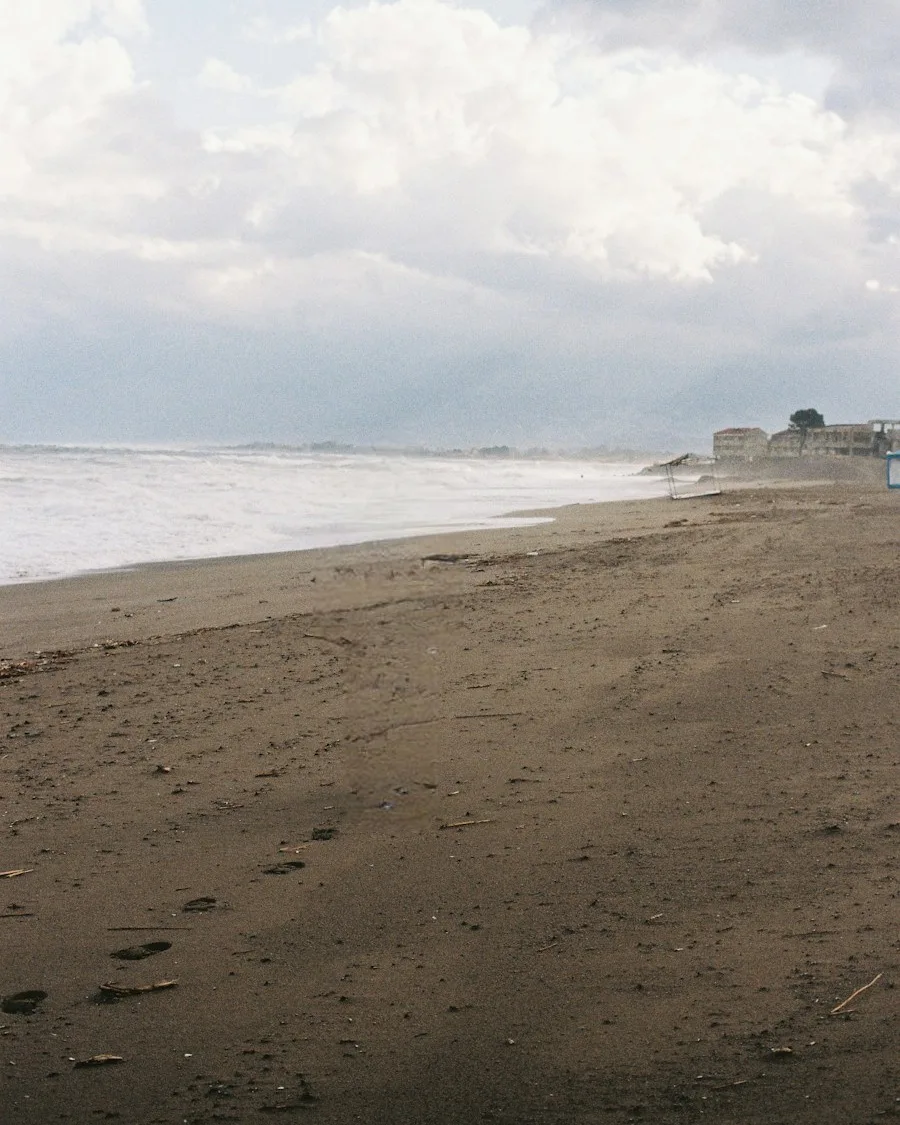

How to object remover in 3 steps
- 01
Add your photo
Upload, drag in or paste a photo. iPhone HEIC photos work too.
- 02
Object remover
Brush over what you want to remove. It is removed when you lift your finger.
- 03
Save
Download it at the right size, or share it straight to your apps.
Why use Social9
Every edit is made on your device, at full quality, and you don't need an account.
Easy to use
Brush over the thing you want to remove. It is removed as soon as you lift your finger or mouse.
Fills in the background
The AI fills the space with what was most likely behind the object, so the photo still looks natural.
Undo at any time
If you don't like the result, press Undo and try again with a different brush stroke.
Keep editing the same photo
Frequently asked questions
Do you upload my photos?
No. Every tool runs in your browser, on your own device. Your photos are never sent to a server, and nothing is kept after you close the tab.
What works best?
Small and medium objects on simple backgrounds, such as a sign, a bin or a person in the distance. Large objects in front of busy backgrounds are harder to fill in.
Do I need an account?
No. Open the tool and start editing. You don't need to sign up.